
Rooms & Areas
Overview
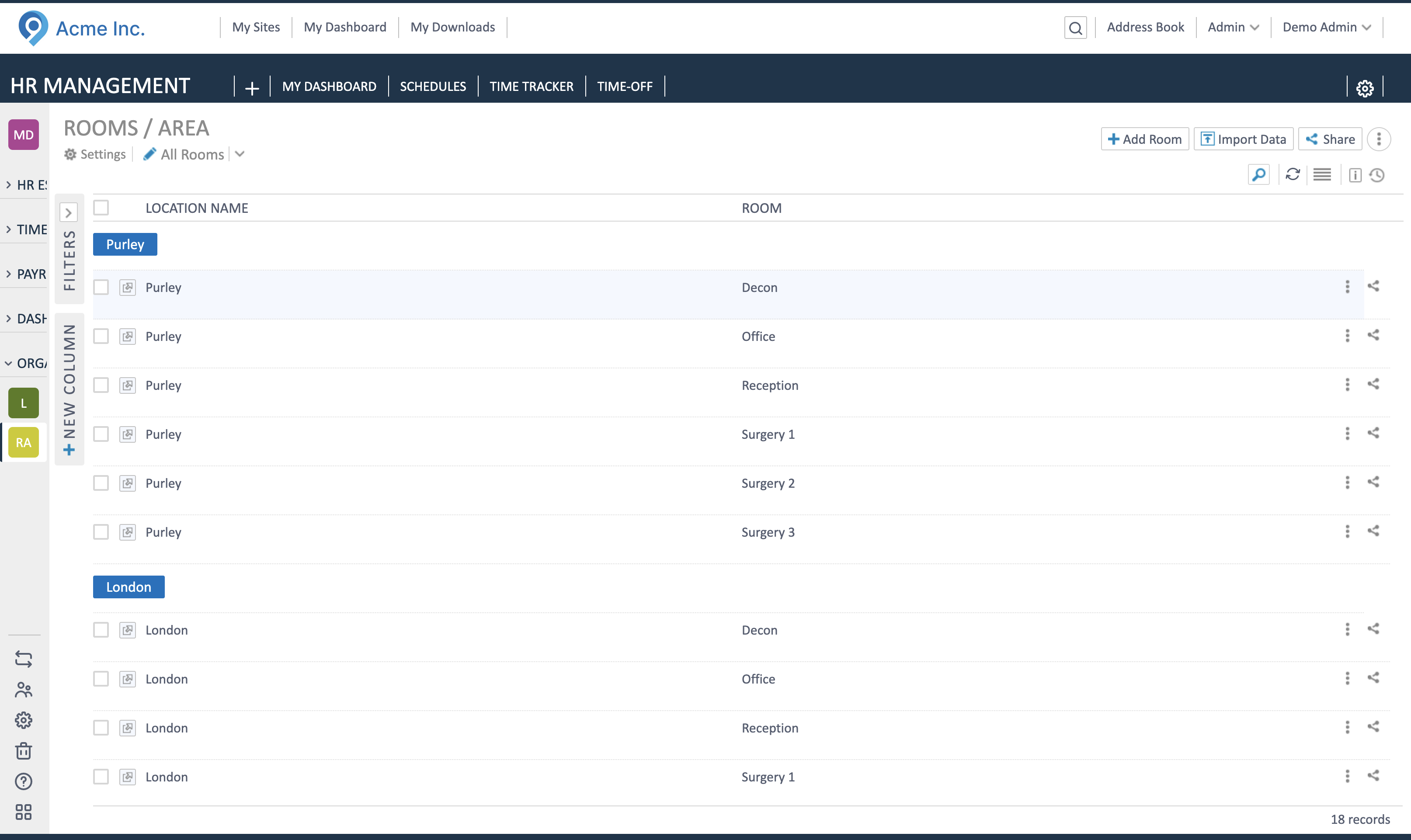
Section titled “Overview”Rooms (areas) are the spaces inside each location that schedules and assignments rely on—reception, treatment rooms, offices, etc. Keep them current so rotas and resource allocation stay correct.
Add a room
Section titled “Add a room”- Open a location, go to Rooms/Areas.
- Click Add Room/Area.
- Pick the Location and enter a clear Room Name (e.g., Reception, Treatment 1).
- Save. The room appears in the list and becomes available for scheduling/assignments.
Update or rename
Section titled “Update or rename”- Open the room record details page to change the name of an existing.
- This will impact all future schedules in the Rota app.
Good practice
Section titled “Good practice”- Use consistent naming across locations (e.g., Reception, Treatment 1/2, Office).
- Create rooms after locations, before building rotas or assigning staff.
- Review rooms when locations change (new floors/areas) to keep schedules accurate.